Character Animation Skill:
2D Concept Art to 3D Sprite & Voxel Motion
Direct implementation of the character-animation-skill. Transform 2D character sketches, AI concept art, and sprite sheets into interactive Three.js 3D textured billboards and tactile volumetric voxel meshes with zero server uploads, real-time FPS scrubbing, and 1-click GLB/PNG export.
3D Character Animation Studio
Inspect character actions in real-time 3D space. Switch between high-fidelity 2.5D textured card mode and volumetric 3D voxel relief mesh generated from image pixels.
The 8-Stage Animation Pipeline
How the character-animation-skill transforms a single character input into production-ready 2D and 3D game animation assets.
Character Reference
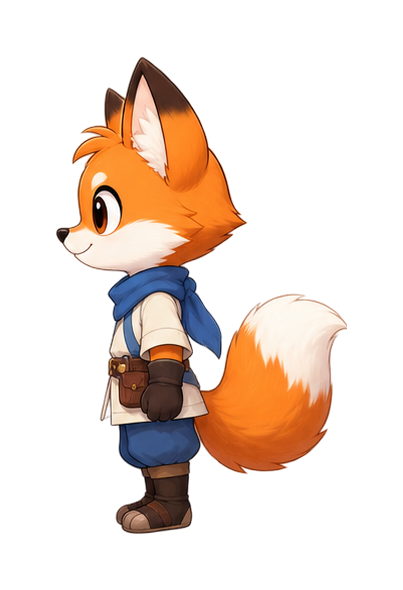
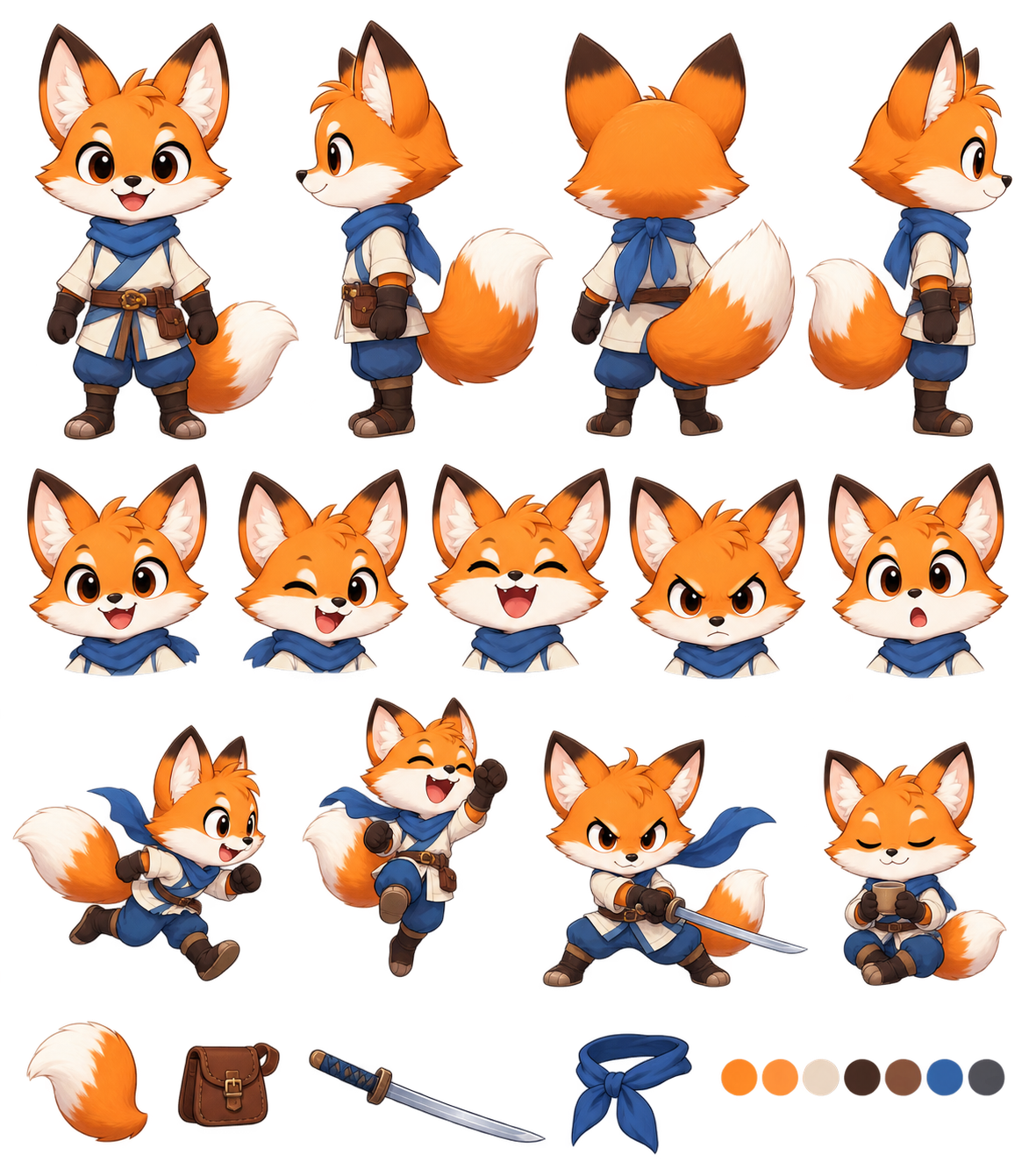
Single clean 2D full-body character silhouette with unobstructed limbs and plain background.
Motion Specification
Chronological movement breakdown, locked camera view, and seamless loop constraints.
Pluggable Video Provider
Image-to-video API abstraction (Custom Video Provider) isolated in providers/custom.py.
Source Action MP4
Stable 4-second video clip capturing natural character kinematic motion without camera pans.
Frame Extraction
FFmpeg sample extraction at game-ready framerate (6–12 FPS) to isolate key poses.
Frame Alignment
Alpha-based bounding box detection and ground center-bottom anchor normalization.
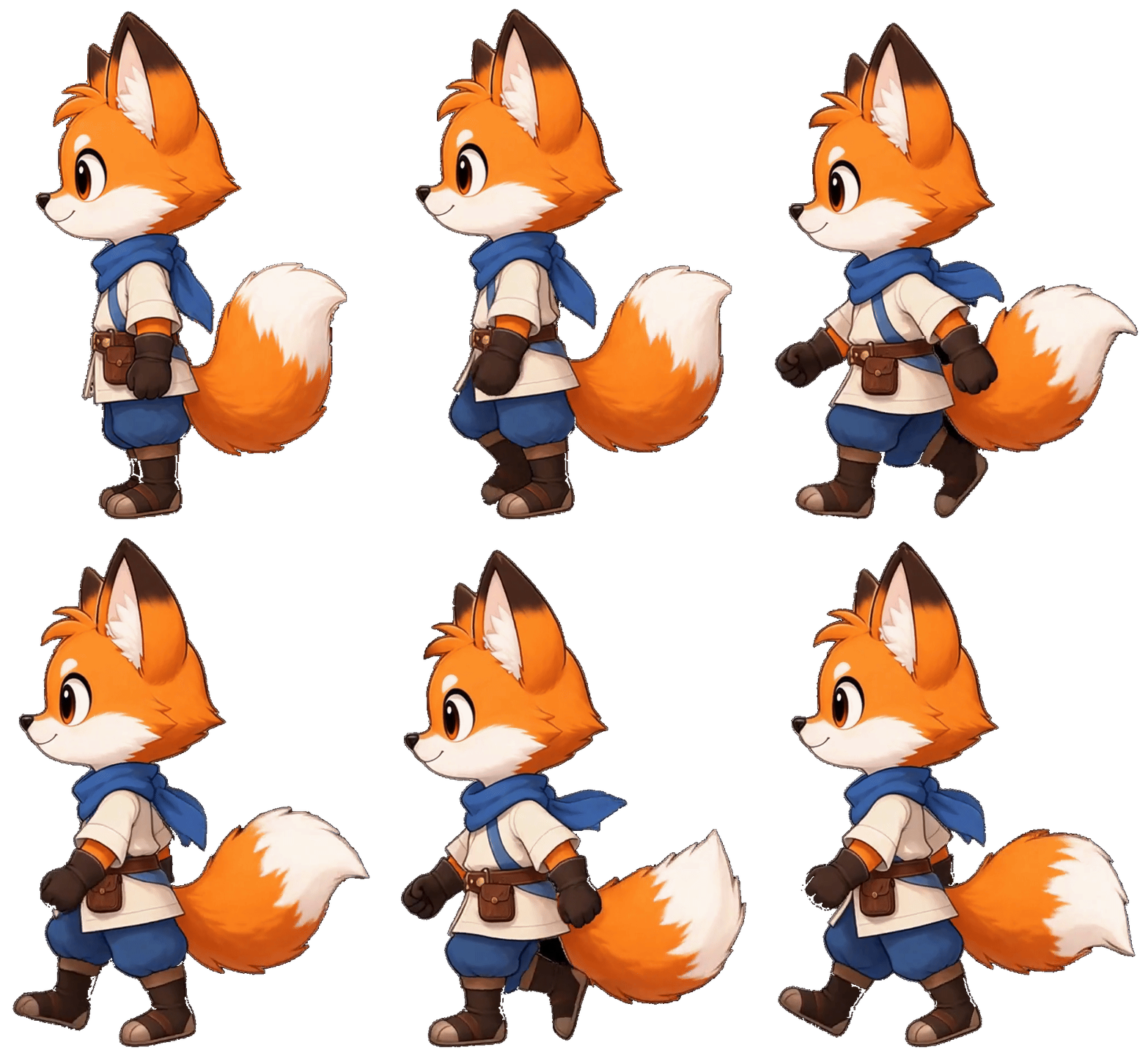
Sprite Sheet Strip
Single-strip horizontal spritesheet assembly with transparency and power-of-two spacing.
Three.js 3D Runtime
Real-time WebGL flipbook & volumetric 3D voxel extrusion with lighting, shadow, and GLB export.
Motion Specification & AI Prompt Matrix
The character appearance is defined by the reference image. The motion prompt must solely enforce kinematic timing, fixed camera perspective, and seamless looping.
The character begins in the reference pose, shifts weight forward, takes a clear step, transfers weight, brings the rear foot forward, and continues a natural walk cycle. Keep the full body visible. Fixed camera. Preserve exact proportions and colors. The final pose connects naturally back to the starting pose.Built-in Agent Skill: Claude & Codex CLI
Directly invoke the character-animation-skill in your local terminal or agent environment (Claude Code, Antigravity, OpenCode).
# Clone the animation skill
git clone https://github.com/youxichuhai/character-animation-skill.git
cd character-animation-skill

# Install dependencies
pip install -r requirements.txt

# Configure your image-to-video API key
export VIDEO_API_KEY="your-api-key"# 1. Generate 4s action video from reference image
python scripts/generate_video.py --image character.png --action "walk" --duration 4 --loop --output output/source.mp4
# 2. Extract key animation frames at 8 FPS
python scripts/extract_frames.py --video output/source.mp4 --output-dir output/raw_frames --fps 8
# 3. Align frames with alpha bounding box
python scripts/align_frames.py --input-dir output/raw_frames --output-dir output/frames
# 4. Compile into single spritesheet
python scripts/build_spritesheet.py --input-dir output/frames --output output/spritesheet.pngFrequently Asked Questions
Everything you need to know about character animation, WebGL 3D meshes, and sprite sheet integration.
How does the "Image to Three.js" voxel animation mode work?
When you switch to 3D Voxel mode, our client-side WebGL engine samples the active frame's color and alpha pixels. It constructs an instanced 3D voxel grid where each non-transparent pixel is elevated into a physical 3D cube with proportional depth based on luminance. As the timeline ticks through frames, the voxel heights and colors update in real time with hardware-accelerated instancing.
What makes a good 2D character reference image?
For optimal results: use a single full-body 2D character standing in a neutral, unobstructed pose (A-pose or relaxed stance) visible from head to toe. A solid or transparent background ensures clean alpha extraction without unwanted background artifacts.
Can I export the 3D animated character into game engines?
Yes! The Spritesheet (PNG) can be directly imported into Unity, Unreal Engine 5 (Paper2D), Godot 4 (AnimatedSprite2D), or WebGL frameworks. Furthermore, the 3D Mesh (GLB) export allows you to bring the 3D volumetric model directly into Blender, Godot, or Three.js scenes.
Why is 8 FPS recommended for sprite sheet animations?
In classic 2D and 2.5D game animation (like pixel art and isometric RPGs), 8 frames per second (also known as animating on "threes" at 24 FPS) strikes the ideal balance between readable, punchy game kinematics and memory footprint. You can adjust the playback slider anywhere from 2 to 24 FPS in the studio.
Does this tool upload my images or video keys to a cloud server?
No. All Three.js rendering, canvas slicing, voxel mesh building, and exports execute 100% locally in your web browser. No image data is transmitted to any external backend server.